
LOOP RIDER SUPPORT
A little help.
Back in the Loop.
Questions about a ride or your scooter? Start with support in the Loop app, or get in touch with our team.
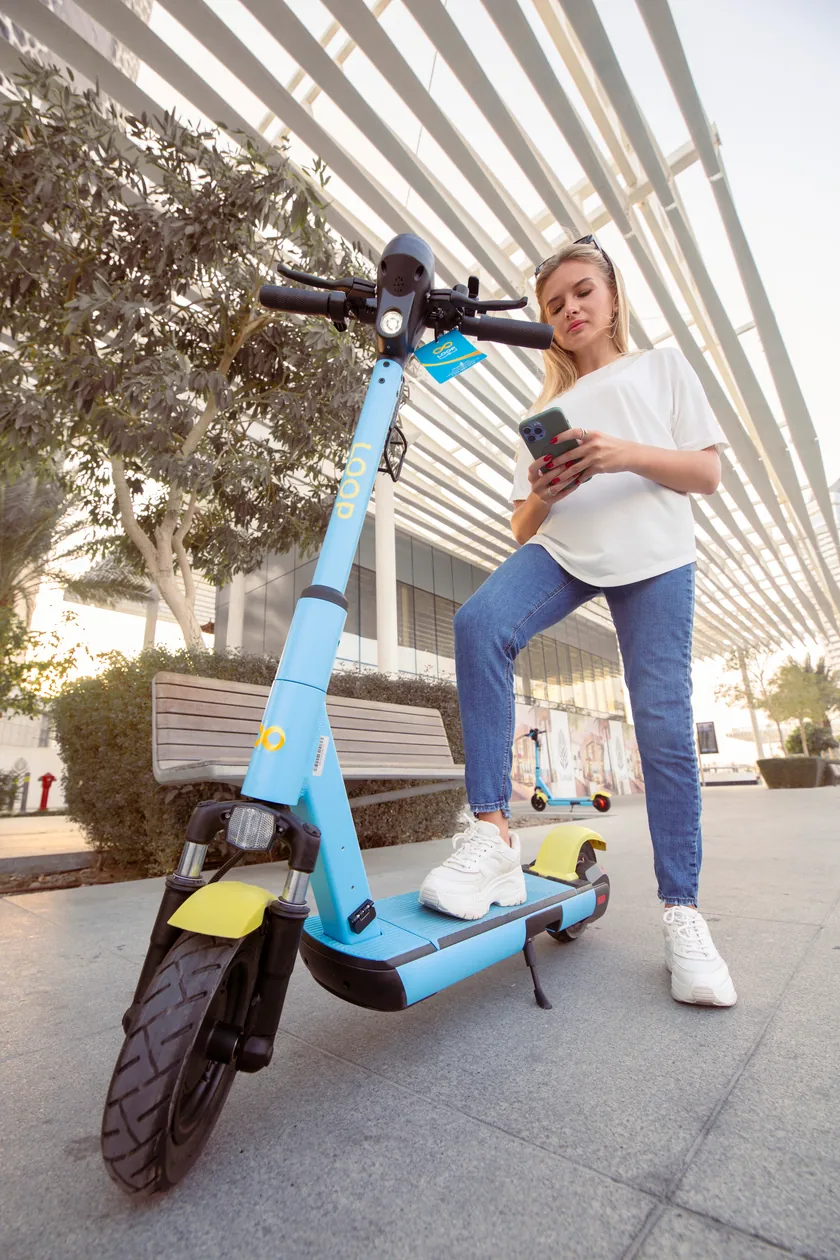
GOOD TO KNOW
Help for
every part.
Pick a topic and find the answer you need.
7 questions
How do I finish my ride?
Park in an allowed area, tap End Ride and complete the parking verification in the app. Wait for confirmation before leaving. Closing the app alone does not end a ride. If you cannot finish, contact rider support with the scooter ID and your location.
How do I find a scooter?
Open the Loop app for the current map. Select a scooter to check its battery, price and riding zone before unlocking. Availability can change.
My scooter won’t unlock. What should I do?
Check the instructions and any message shown in the Loop app. If you still need help, contact support with the scooter ID, your location and the message you see.
Where can I ride and park?
Follow the current riding and parking zones in the app, posted signs and local rules. Keep pavements, entrances and accessible routes clear.
Something doesn’t feel right with my scooter.
Stop safely before using your phone. Contact rider support with the scooter ID, your location and a description of the issue. Do not continue riding a scooter that feels unsafe.
How much does a ride cost?
Check the current price in the Loop app before unlocking. The app is also the place to check available plans or offers.
I have a question about a charge.
Contact the Loop team with the date and time of your ride and the amount you want checked. A screenshot of the relevant ride details can help explain the issue.
Help us find
your ride.
A few details help the team understand what happened when you get in touch.
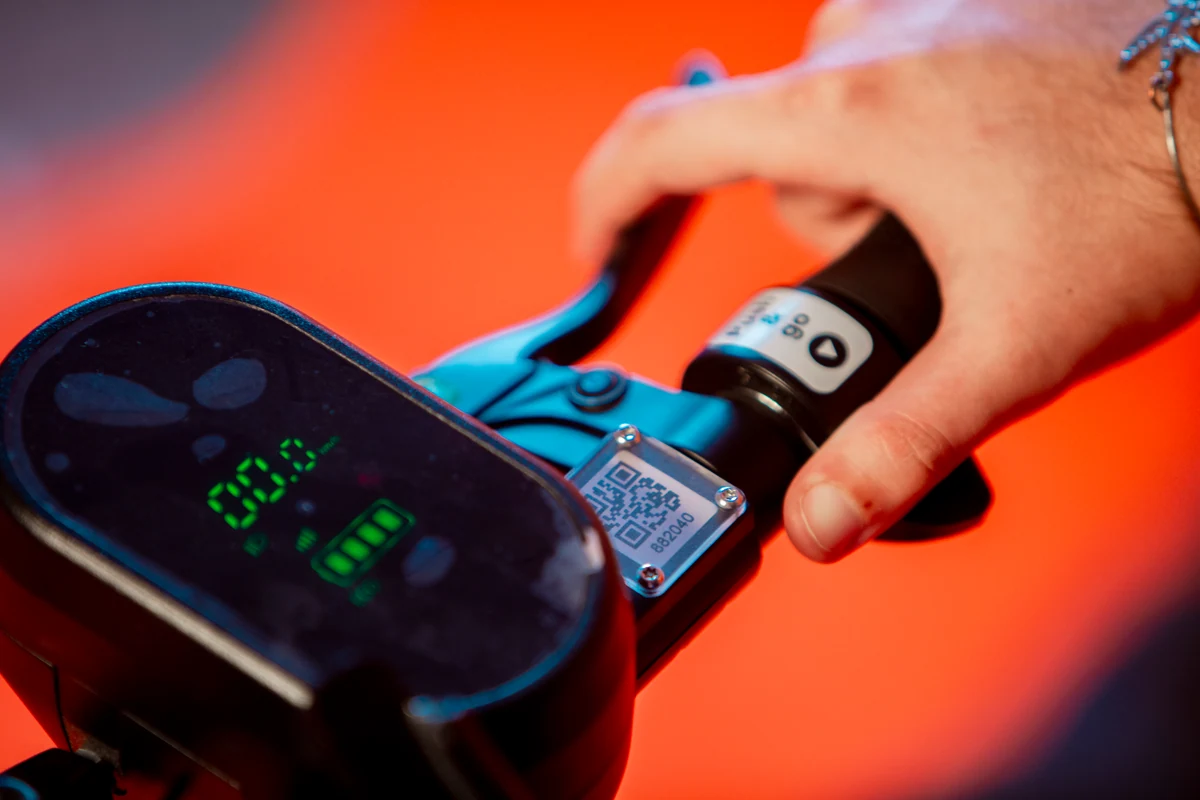
- The scooter ID
- Share the number beside the QR code on the handlebar.
- When and where
- Include your location, the ride date and an approximate time.
- What happened
- Describe the issue and any message in the app. A screenshot can help.
BEFORE YOUR NEXT LOOP