
DO’S AND DON’TS
A little care.A better ride.
From your first check to your final parking spot, make every Loop a good one—for you and everyone around you.
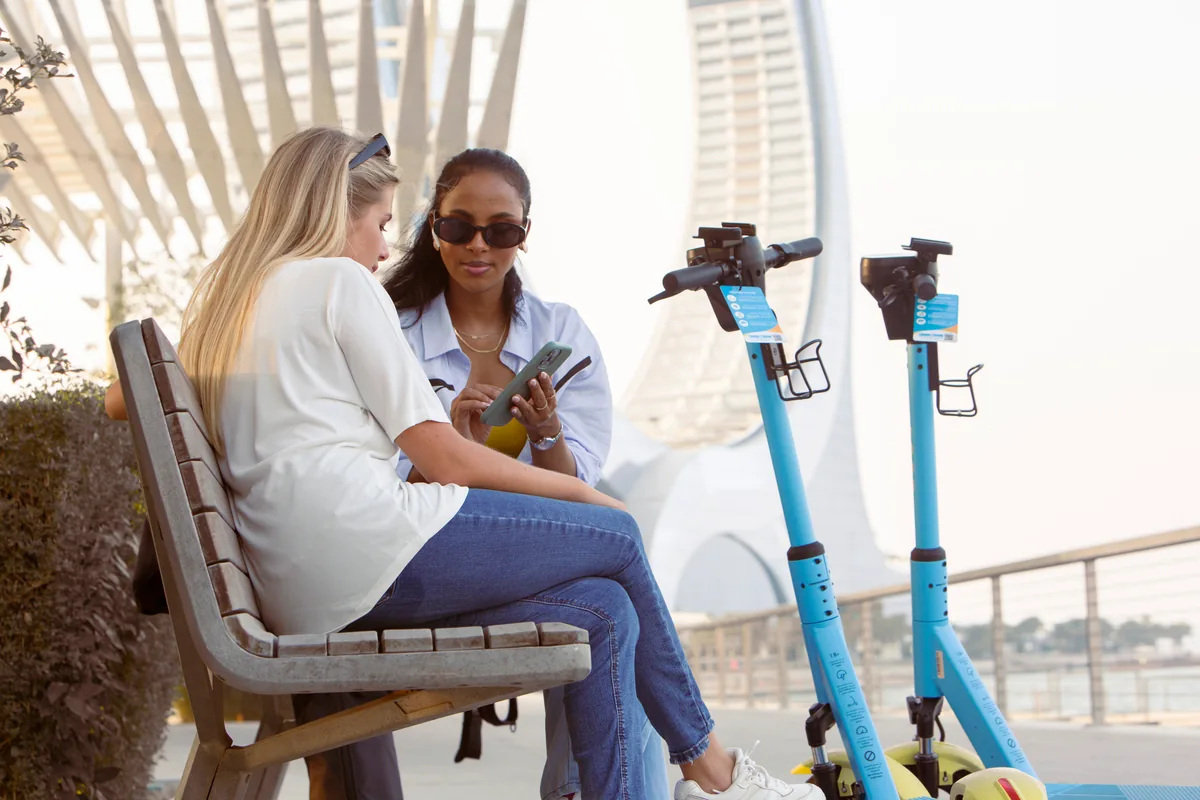
Ready starts
here.
A few small checks before a little adventure.
Helmet on.
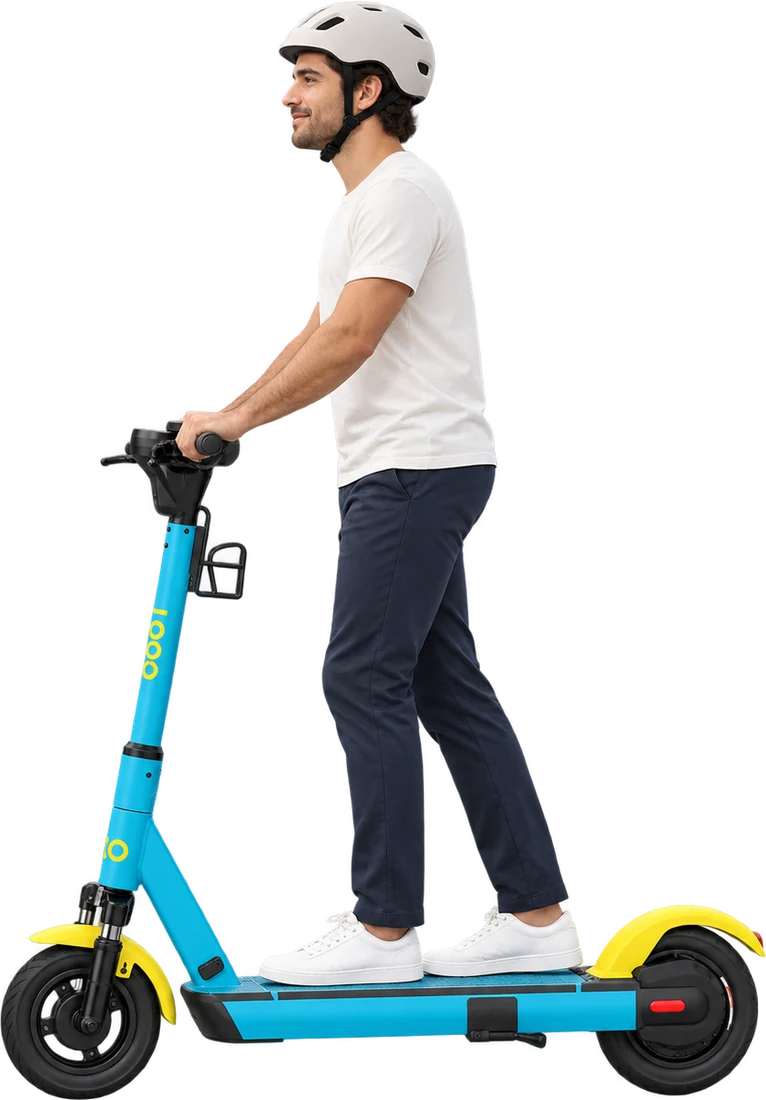
Wear your helmet before you set off.
Check your scooter.
Check the brakes and scooter condition before starting.
Know your route.
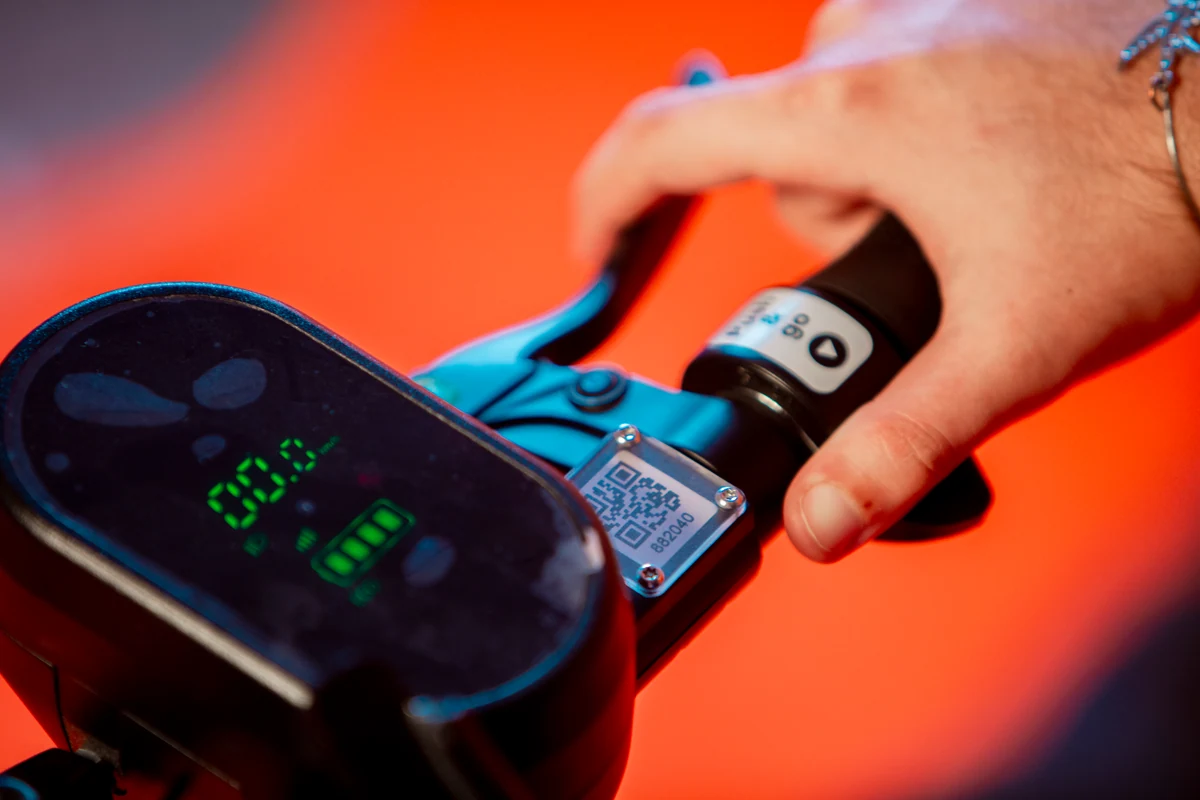
Check the battery, riding zones and current riding requirements in the Loop app.
One scooter.One rider.
Enjoy your own ride. Leave room for everyone else. Don’t carry a second rider.
Both hands. Full attention.
Keep both hands on the bars and your phone away. Stop safely before using it.
Give people room.
Follow the app’s riding zones, posted signs and local rules. Give pedestrians space.
Helmet on.
A good ride leavesroom for everyone.
Choose an allowed parking spot in the app, lower the stand and leave your scooter upright. Where curb-side parking is permitted, keep it outside the main walkway.
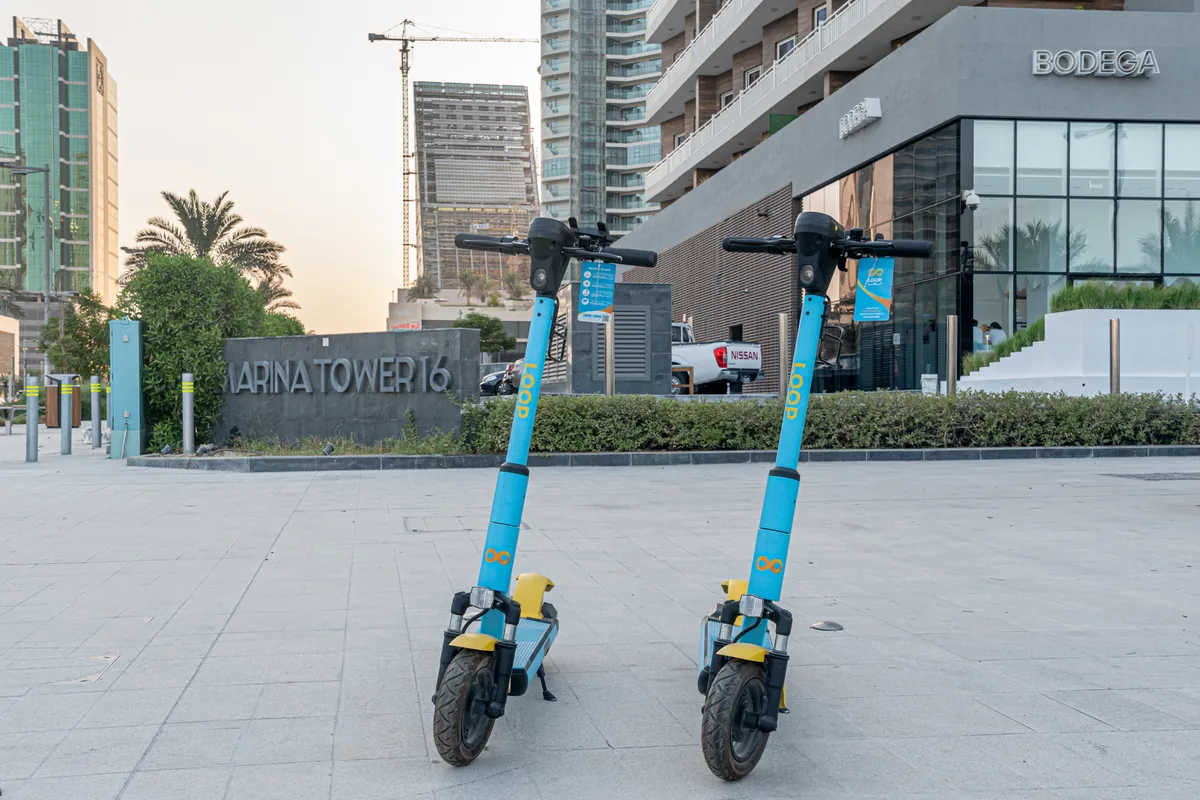
Always check the app for permitted parking.
DON’T
Block the way.
Keep pedestrian paths, corners and curb ramps clear.
Close off access.
Leave building entrances, access points, bus stops and loading zones open.
Take over shared space.
Keep fire hydrants accessible. Leave street amenities and landscaping clear.
Parked?Finish in the app.
Parking your scooter or closing the app does not end your ride.
Tap End Ride
Complete parking verification
Wait for confirmation
Where can I ride and park?
Check the Loop app for current riding and parking zones. Follow posted signs and local rules, and always leave space for pedestrians and access.
What if something doesn’t feel right?
Stop safely and check the app. If you need help with the scooter or your ride, contact rider support.
How do I know my ride has ended?
Tap End Ride in the app, complete the parking verification and wait for confirmation before walking away. If you cannot finish, contact rider support.